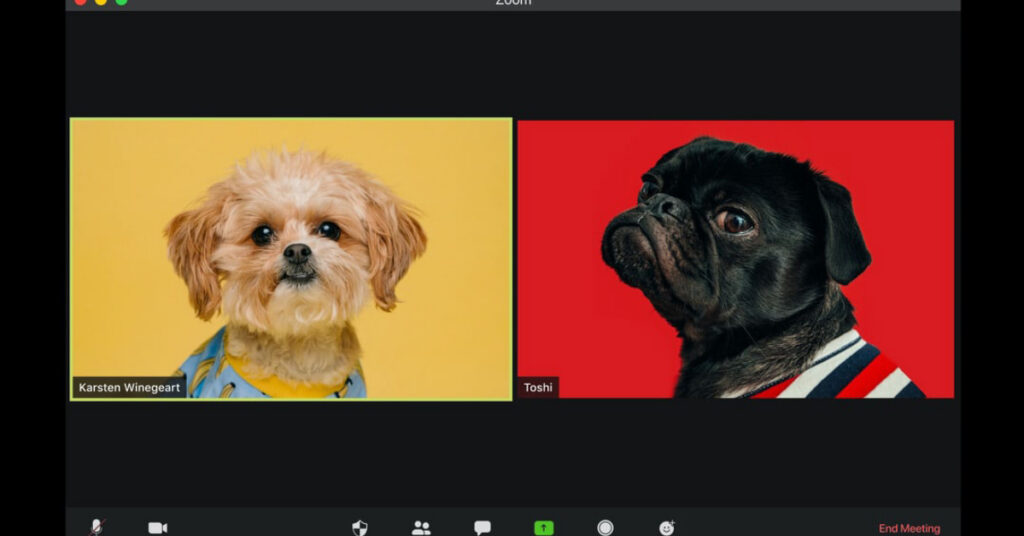
Have you visited the Zoom blog lately? They offer frequent “pro tips” to take your Zoom skills to the next level. Some recent posts to explore:
Four new Zoom features educators can use to maximize teaching and learning
- Create a virtual seating chart
- Better support deaf and hard-of-hearing students
- Use multi-spotlight for better group presentations
- Easily manage unmuting
Three ways to create the audio-visual experience you want
- Background noise suppression
- Touch up appearance and adjust for low light
- High fidelity music mode
Tips and features for teaching in a hybrid classroom
- Breakout rooms
- Chat
- Digital whiteboard and annotation
- Setting ground rules for the classroom
Best practices for securing a virtual classroom
- Lock your virtual classroom
- Control screen sharing
- Enable the waiting room
- Lockdown the chat
- Remove a participant
- Report a user
- Suspend a participant’s activities
- Renaming participants
- Security options when scheduling a class