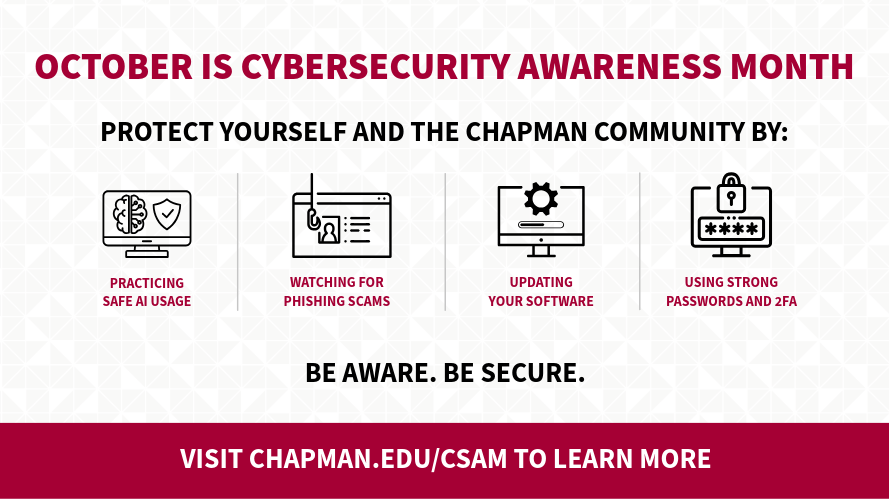
Operating system and software updates are more than just routine maintenance—they’re your device’s first line of defense. While they often improve performance and introduce new features, their vital role is patching vulnerabilities that cybercriminals could exploit.
By regularly updating your apps and operating systems, you reduce your exposure to threats and ensure your technology runs securely and efficiently.
Why are updates important?
- Security: Patches vulnerabilities and protects against cyber threats
- Performance: Boosts speed, stability, and efficiency
- Features: Unlocks new tools and enhancements
However, you can only benefit from the security fixes if you install updates promptly! To make sure you’re always covered, enable automatic updates whenever possible and regularly check for any pending ones.
Watch Out for Fake Update Scams
Ever seen a pop-up claiming your system is outdated and urging you to install an update? Be cautious; these are often scams that trick you into downloading malware. If you see one, close your browser immediately.
To update safely, use your system’s built-in tools:
- Windows: go to Settings → Windows Update → Check for updates
- MacOS: go to System Settings → General → Software Update.
- For other apps, only download updates from the official developer’s website.
Note: Updates for Microsoft Windows and Microsoft Office applications are issued by the Department of Information Systems and Technology for Chapman University-issued Windows computers. MacOS users: please follow the above instructions.
Avoid installing anything from random web pages, pop-ups, or ads—these often lead to malicious downloads. When in doubt, go directly to the trusted source.
By keeping your software up to date, you’re taking smart, proactive steps to protect your devices and data. A few minutes of maintenance can go a long way in keeping your digital life secure.
If you need assistance with software updates, please contact the IS&T Service Desk.