Selecting the right software is an important part of supporting teaching, learning, research, and administrative operations at Chapman University. Before submitting a Software and Application Review request, take a few minutes to check whether the software you need has already been reviewed and approved by the university.
Many software solutions are already available to the Chapman community. Reviewing the approved software vendor list can help you identify existing tools, determine whether licenses are available, and find information about access and support. If the software you need is already approved, there is no need to submit a new review request.
By checking the approved software list first, you may be able to access the solution you need immediately while helping the university focus its review efforts on new technologies.
Starting the conversation early also gives Information Systems and Technology (IS&T) an opportunity to help identify existing solutions that may already meet your needs, potentially saving time and resources.
Before submitting a review request, follow these simple steps:
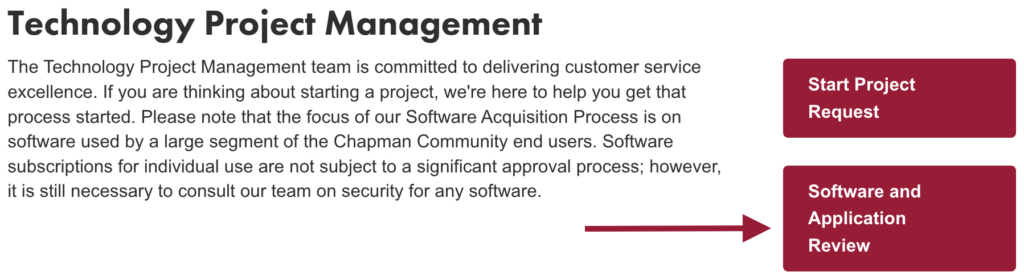
- Visit IS&T’s Technology Project Management information page.
- Click on Software and Application Review.
- Review the approved software vendor list available on the Requestor Information page of the form.
- If the software is already approved, you don’t need to submit the form.
- If the software is not listed, submit a software review request.
A quick review of the approved software list can save time, reduce duplicate requests, and help ensure a smooth software acquisition process for the entire Chapman community.
If you have any questions, please contact the IS&T Service Desk.