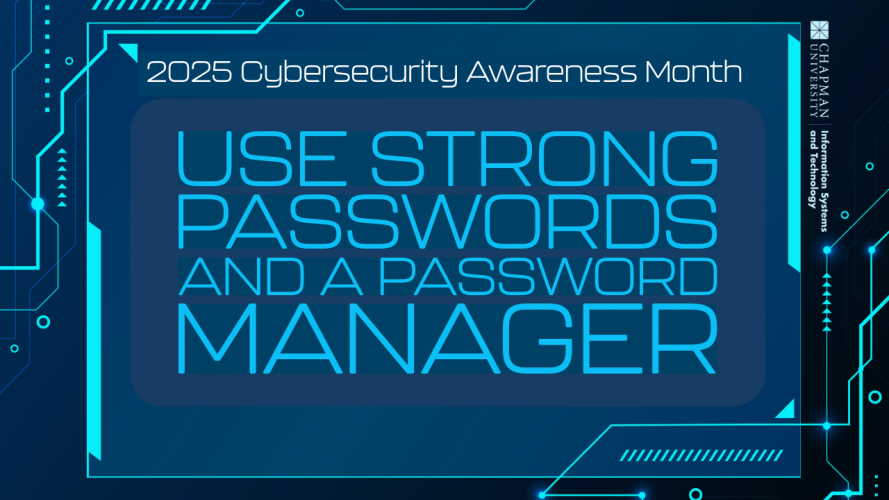
Passwords are the keys to our digital lives. From class registration and email accounts to banking and social media, every online service requires them. Unfortunately, weak or reused passwords remain one of the biggest reasons for compromised accounts.
With so many data breaches, stale, old passwords are prime material for the hackers lurking in the dark corners of the internet. They can use old, reused passwords to gain access to your accounts.
Why Strong, Fresh Passwords Matter
Cybercriminals use automated tools that can guess thousands of passwords per second. Simple choices like “Chapman123,” “password1,” or even a pet’s name are easily cracked. Once one account is compromised, attackers often try the same password across multiple platforms—a tactic called credential stuffing.
A strong password is:
- At least 12 characters long.
- A mix of uppercase, lowercase, numbers, and special characters.
- Unique for each account.
Think of it as creating a combination lock that only you have the code for—longer and more complex means harder to break. To see Chapman University’s password guidelines, visit the Password Management Information page.
The Challenge of Remembering Them All
Let’s be realistic: no one can memorize dozens of unique, complex passwords. Writing them down or reusing them creates new risks. This is where a password manager becomes essential.
What a Password Manager Does
A password manager is a secure tool that:
- Stores all your passwords in one encrypted vault.
- Creates strong, random passwords for each new account.
- Autofills logins on websites and apps, saving time.
- Requires you to remember only one strong master password.
- Most Password Managers require you to use multi-factor authentication to log in.
Many password managers also alert you if a saved password appears in a data breach.
Best Practices for Students, Faculty, and Staff
- Choose a strong master password for your password manager.
- Enable multi-factor authentication (MFA) wherever available—it adds an extra layer of security.
- Avoid reusing passwords—especially between personal and university accounts.
- Update old passwords if they haven’t been changed in years.
Protecting your accounts protects your personal information and the entire university community. A stolen password can give attackers access to sensitive data, academic records, and research.
To change your Chapman University Password Now, please go to password.chapman.edu and follow the instructions.
Stay smart, stay secure, and protect your digital campus life.