Enhance Rubrics
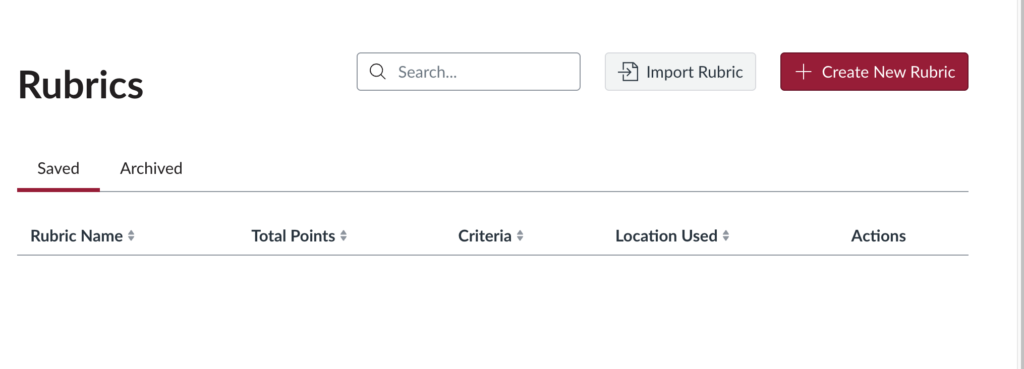
Rubrics serve as grading criteria that can be added to assignments, quizzes, and graded discussions in Canvas. Enhanced Rubrics offer instructors a more flexible, modern rubric-building experience.
- Drag-and-drop reordering of rubric criteria and ratings.
- Customizable ordering of rating scales (low to high or high to low).
- Copy or duplicate criteria and entire rubrics.
- Create rubrics by importing a CSV template.
- See what rubrics are connected across assignments.
- Ability to use rubrics in multiple courses.
- Archive old rubrics that you would like to reference.
- Bulk download of rubrics.
- Canvas Outcomes are now easy to access and align in rubrics.
- Enable self-assessment for assignments, not discussions, to help learners reflect and engage with their progress. Students see the Self-Assess option after submitting their first attempt.
Video Walkthrough of Enhanced Rubrics
Steps to Enable in a Course
- Open your Canvas course and click Settings in the course navigation.
- Select the Feature Options tab.
- Locate Enhanced Rubrics and toggle its state to Enabled (green checkmark).
After December 19, 2026, Enhanced Rubrics will be the default experience and no longer optional.